











Managing your funds carefully is part of responsible betting. Understanding how deposits and withdrawals work helps you plan a budget, avoid preventable delays, and keep your account secure. The payment options shown by Easywin may include bank-based services, electronic wallets, and local payment gateways, depending on your account and current availability. This guide explains the process without assuming that every option is offered to every user.
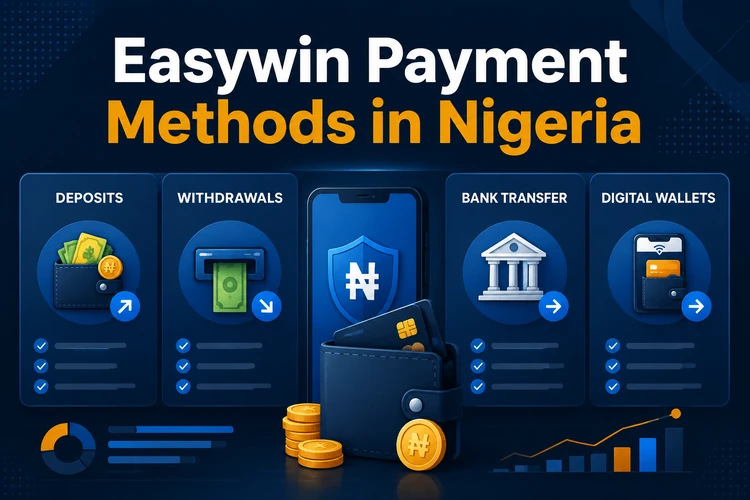
Whether you use a bank account or a digital wallet, check the available method in the cashier before starting. Use payment details registered in your own name, keep transaction references, and never share your password, one-time codes, or wallet PIN with another person.
Understanding Easywin Payment Methods
Easywin may present several payment channels for Nigerian users. These can include bank transfers, mobile payment services, electronic wallets, and third-party gateways. The exact list in your cashier can depend on your location, account status, technical availability, and the platform’s current arrangements with financial service providers.
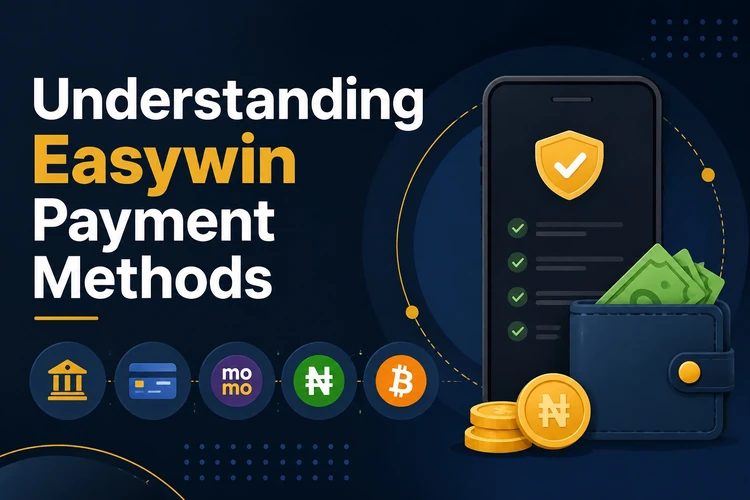
Deposits and withdrawals are handled differently. An incoming payment may only need confirmation that the money was received, while an outgoing payment can require identity and payment-method checks. The name on the bank or wallet account should match the name on your Easywin account. A mismatch may cause a request to be held, rejected, or sent back for review.
Before choosing a method, compare the displayed minimum, any stated fees, supported currencies, and whether the method is available for both deposits and withdrawals. Save the confirmation page or reference number after each completed transaction.
Easywin Nigeria Deposit
To make a deposit, log in to your account and open the cashier or deposit area. Select one of the payment channels displayed for your account, enter an amount, and review the details before confirming. Do not enter an amount that exceeds the spending limit you set for betting.
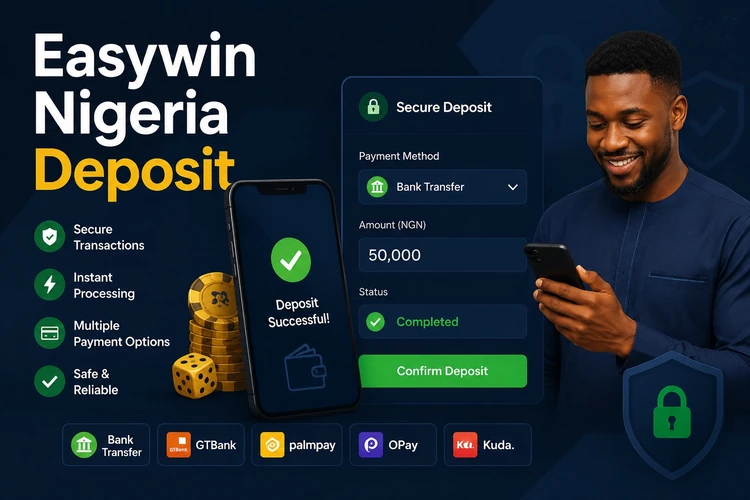
Use this sequence for a routine deposit:
- Check the selected method, amount, and account details.
- Approve the transaction in your bank or wallet when prompted.
- Return to the cashier and confirm that the balance has updated.
Keep the bank or wallet receipt even if the balance appears immediately. If the deposit is missing, check whether the money left the source account, confirm the transaction status, and contact support with the reference. Avoid submitting repeated deposits while the first transaction is still pending, since this can make reconciliation more difficult.
Easywin Withdrawal Process
A withdrawal usually begins in the cashier after any required account verification has been completed. Select the withdrawal option, choose an available payment method, enter the amount, and check the destination details before submitting the request. Where possible, use the same verified method used for depositing, because this can reduce additional checks.
The platform may request identity documents, proof of address, or confirmation that the payment account belongs to you. These checks are intended to reduce fraud and prevent funds from being sent to an unauthorised person. Submit clear, current documents through the approved account channel rather than sending them to an unknown contact.
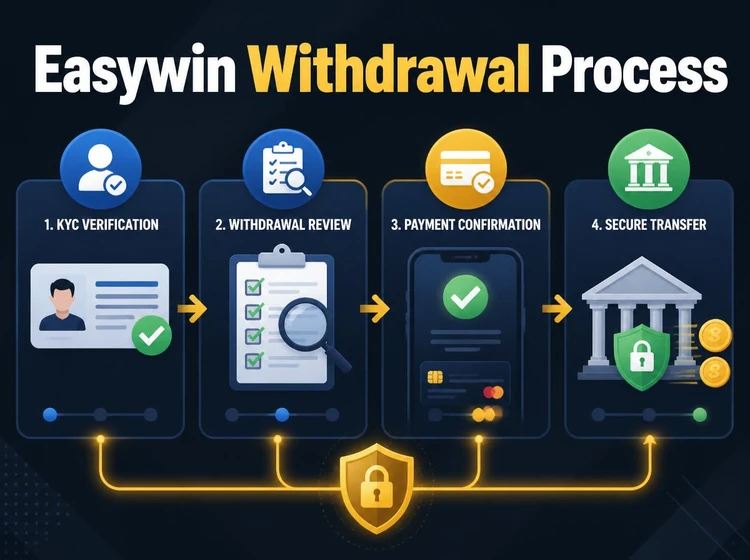
Processing time depends on the selected channel, account checks, bank processing, and whether the request contains an error. Monitor the status in transaction history and respond promptly if the platform asks for more information. Do not cancel and resubmit repeatedly while a request is under review.
Easywin Minimum Withdrawal
The minimum withdrawal is the smallest amount that can be requested in one transaction. It can differ by payment method and may change when the cashier rules are updated. Check the amount shown in your account immediately before submitting a request rather than relying on an old receipt or message.
If your balance is below the displayed threshold, do not assume that a second account or another person’s payment details can solve the problem. Review the terms or contact support for an official explanation. Any wagering or balance requirement should be checked before requesting a withdrawal.
Nigerian Payment Solutions
Bank transfers are familiar to many Nigerian users and move funds between the platform and a named bank account. Confirm the account number, bank name, and beneficiary details carefully. A wrong digit can send a transaction into manual review, and a bank may also flag an unusual payment for additional confirmation.
Mobile payment services can be convenient for users who manage funds through a phone. Availability and functionality vary, so check whether the displayed option supports the transaction you want to make. A mobile wallet may use its own PIN, confirmation screen, or transaction reference; retain these details until the balance and statement both look correct.
When a transfer is pending, avoid sharing screenshots that reveal full account numbers, card details, or security codes. Support normally needs the reference, date, amount, and status rather than unrestricted access to your financial information.
Popular Digital Wallets
Some Nigerian users may see wallet or gateway options such as PalmPay, OPay, Flutterwave, or Paystack in the cashier. This does not mean that every service is supported at all times. Availability depends on the current payment setup and your account, so use only the options actually displayed after you sign in.
A wallet can add convenience, but it also creates another account that must be protected. Check the recipient name before confirming, keep your wallet application updated, and never approve a request you did not initiate. If a gateway redirects you, verify that the payment page is opened through the cashier rather than through a message from an unknown sender.
Easywin Cash
When withdrawing winnings, focus on accuracy rather than speed. Send funds only to a bank or wallet account in your own name, keep the transaction history, and review the final confirmation before leaving the cashier. Records are useful if the balance, bank statement, and withdrawal status do not match.
If a withdrawal is delayed, look for an incomplete verification request or an email asking for clarification. Personal details that have changed, an incorrect destination, or an unusual transaction can lead to further review. Never pay an unofficial intermediary who promises to release funds or bypass checks.
Easywin Piggy Bank
A piggy bank label may refer to a balance feature that separates funds for saving or controlled use, but its exact function must be confirmed in the account interface. Do not assume that money placed there can be withdrawn in the same way as the main balance. Read any displayed conditions before moving funds.
If the feature shows a separate balance, note whether it can be transferred, whether a minimum applies, and whether funds are available for betting. If the controls or withdrawal status are unclear, contact official support instead of experimenting with multiple transfers.
Payment Security
Use a private device and a secure connection when entering payment information. Check the browser address before signing in, avoid public computers, and close the session after completing a transaction. SSL protects data in transit, but it does not protect an account from a reused password, phishing message, or shared one-time code.
- Use a strong password that is not used on your bank or wallet account.
- Keep account recovery details current and enable two-factor authentication if offered.
- Review account balance and transaction history for unfamiliar activity.
- Set a personal betting budget and stop when that limit is reached.
For additional guidance, review the site’s responsible gambling information. Payment security also includes deciding in advance how much you can afford to lose and not trying to recover losses through larger deposits.
Common Payment Questions
A declined deposit can result from incorrect details, insufficient funds, a bank security check, or a temporary technical issue. Confirm the source account status and the transaction reference first. If the money was taken but the balance is not updated, do not make another payment immediately; contact support with the relevant evidence.
A delayed withdrawal may be linked to verification, a mismatch in account ownership, an incorrect destination, or the payment provider’s own review. Check the status shown in the cashier and any account messages. If the request has been rejected, follow the stated correction steps rather than opening another account.
Changing payment details during a pending withdrawal may not be possible. If your bank or wallet account has changed, ask support how to update the verified details before creating a new request. Keep correspondence and reference numbers until the matter is closed.
FAQ
The cashier may show bank transfers, mobile payment services, electronic wallets, or payment gateways. The exact options depend on your account and current availability. Check the cashier after signing in because not every method is offered to every user.
Open the cashier, choose withdrawal, select an available verified method, enter the amount, and confirm the destination details. You may need to complete identity or payment ownership checks before the request can be processed.
The minimum can vary by payment method and may change. Check the threshold displayed in the cashier or the applicable account terms immediately before submitting a withdrawal.
PalmPay may be available for some accounts, but support is not guaranteed. Check the payment options displayed in your cashier and use only a wallet registered in your own name.
Bank transfer availability depends on the current payment setup and your account. If the option appears in the cashier, check the beneficiary details carefully and keep the transfer reference until the transaction is complete.
Verification may be required before a withdrawal, particularly when identity or payment ownership has not yet been confirmed. Submit clear documents only through the approved account process and make sure your details are current.